
An agent can keep a project moving, follow a process written in code, or make a bounded routing decision. Those are different jobs. This week's field note separates them so you can test the part your workflow actually needs.
The releases below were announced between September 29 and October 1, 2026. These are proposed builder tests, not results from ZetsuEDU testing.
1. OpenAI dots for ongoing creator handoffs
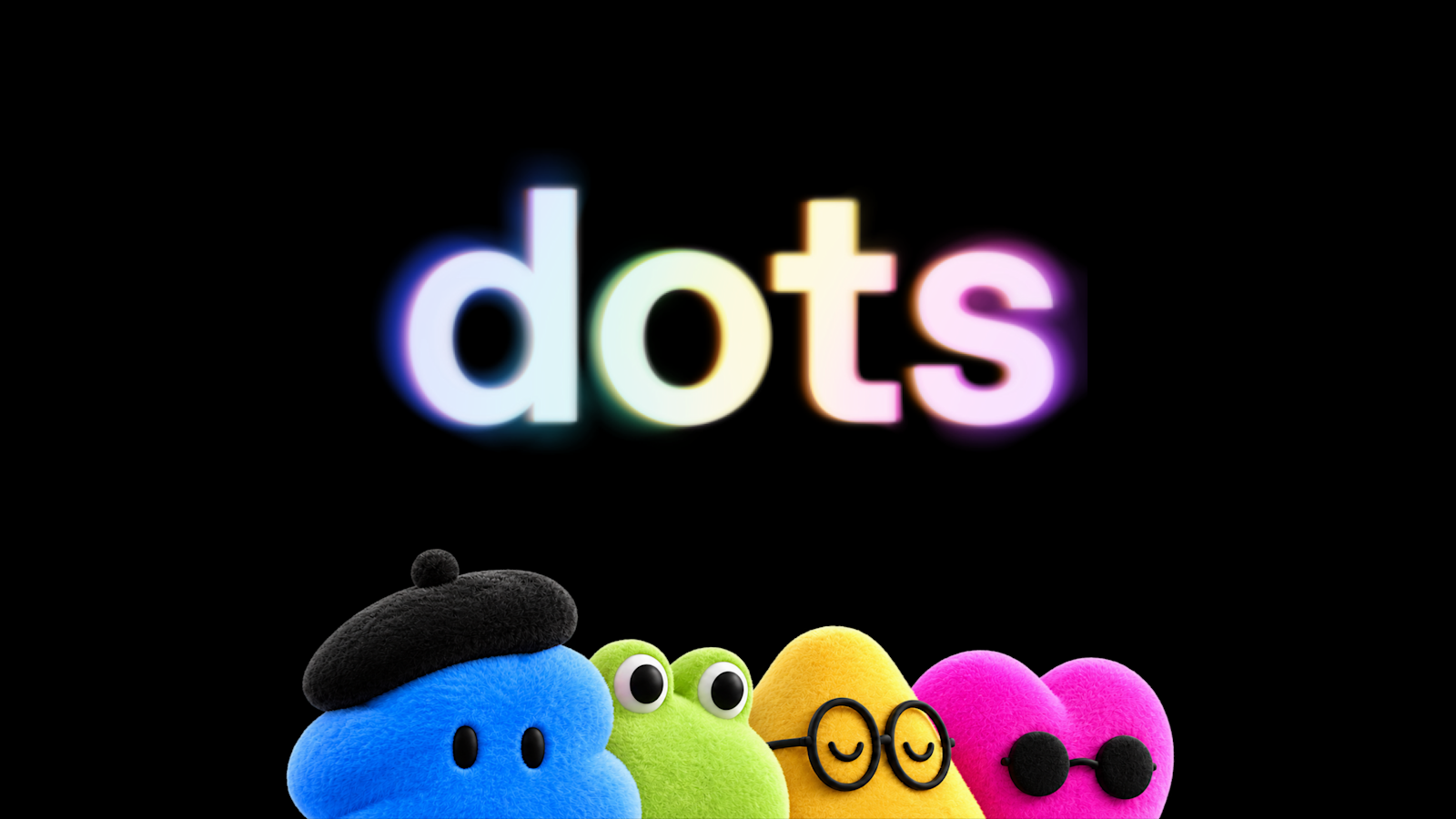
OpenAI introduced dots on September 29. Powered by GPT-6 Astra, each dot has a cloud computer and can work with connected apps, carry context across conversations, and adapt to feedback. OpenAI describes uses such as preparing clips, show notes, and social drafts when a new interview transcript arrives. Those examples describe the company's intended workflows, not independently verified outcomes.
Dots are rolling out to Pro and Business Premium users in eligible markets. Enterprise workspaces, including Edu and Healthcare, can try the beta when an administrator enables it. Initial setup happens in the desktop app or a desktop browser; mobile messaging is available after setup. Specialist dots for dedicated organizational responsibilities are starting with focused enterprise pilots, not general availability.
Creators and small teams with a recurring input-to-draft handoff should care. The useful question is whether ongoing context reduces correction work without weakening review.
A concrete builder test
Give a dot three public or synthetic interview transcripts over several days. Ask for five clip candidates with timestamps, show notes, and two social drafts per transcript. Require source references and approval before anything is sent or published. Correct the first batch, then check whether the next batches reflect those edits.
Record unsupported claims, timestamp errors, editing minutes, and approval requests. Keep the workflow only if it reduces editing time against your current process and never publishes without permission.
Costs and controls to check
OpenAI says the first dot is included in Pro or Business Premium at no extra cost, with an allowance for deeper work and extended limits for the first month. Conversations do not count toward ChatGPT usage limits, but tasks it starts or manages in Codex or ChatGPT Work count as usual. Exact deeper-work allowances and eligible-market details were not verified in this review; check your account before promising recurring capacity.
OpenAI distinguishes proactive research from active tasks. Proactive research uses read-only tools in connected apps. That is not a promise that every dot task is read-only. Set Custom Rules for actions, inspect Activity View, and review consequential work. OpenAI says Business, Enterprise, and Edu workspace content is not used for model improvement by default. Personal-plan use depends on data controls, and information from proactive research can inform eligible conversations or tasks.
2. Copilot dynamic workflows for repeatable release checks
GitHub released dynamic workflows on October 1. Available in Copilot CLI, the Copilot app, and the Copilot SDK, they combine automated operations and agents inside a process defined in code. Steps can run sequentially or in parallel, pass structured findings, and pause at review checkpoints.
This differs from asking Copilot to coordinate a group of agents on the fly. The workflow author defines the stages and handoffs. Agent judgments can still differ between runs, so repeatable steps do not guarantee repeatable answers.
Teams repeating release checks, multi-file reviews, or incident investigations should care. Use a normal prompt when the job is a simple edit; the extra orchestration needs to earn its maintenance cost.
A concrete builder test
Create one workflow for a small test repository. Run deterministic checks first, ask no more than two agents to explain failures, require structured evidence, and pause before changing files. Seed a failing test and an ambiguous warning. Pause and resume the run to see which completed results it preserves.
Measure missed failures, false alarms, repeated work after resuming, elapsed time, and AI credits. Keep it only if it preserves your required review checkpoint and gives a clearer audit trail than your current script-plus-chat process.
Preview, access, and permission limits
The feature is in public preview. Copilot CLI requires experimental features to be enabled. Although the announcement says all plans, the current concept documentation excludes Pro and Pro+ subscribers on existing annual plans who remain on legacy premium request-based billing. Confirm access for your account rather than relying on the broad launch statement.
Set limits on concurrent agents, total agents, active running time, and AI credits. The credit limit is approximate, not a hard spending ceiling: usage is reported after work occurs, and work already running can exceed it. There is no fixed per-workflow cost in the sources reviewed.
Subagents inherit the starting session's permissions. Extension code can also run directly outside agent permission prompts, so inspect extensions before loading them. The usage guide says direct command-line runs do not display approval prompts; unapproved requests are denied. Start with a disposable repository and narrow access.
3. Cloudflare Clef for bounded routing decisions
Cloudflare released Clef and Clef-flash on October 1. They are hosted on Workers AI, with open-source weights under Apache 2.0. Instead of generating an open-ended explanation, they evaluate a state against typed questions and return probabilities for the allowed options.
The model pages list a 65,536-token context window and vision support. Clef costs $0.24 per million input tokens, while Clef-flash costs $0.09 per million input tokens. Those are listed model rates, not the total cost of a deployed workflow.
Builders routing support requests, categorizing content, or deciding when to defer to a human should care. A bounded decision can be tested separately from the agent that acts on it. Cloudflare's speed and quality comparisons are company-reported, not independent evidence that either model will beat your current classifier.
A concrete builder test
Prepare 100 redacted, labeled community questions across your own categories. Include ambiguous and out-of-scope questions. Compare Clef, Clef-flash, and your current method on category accuracy, missed urgent items, latency, and cost per decision.
Keep all decisions in shadow mode: record suggested routes without moving real messages. Choose a human-review threshold on a separate validation set, then check performance on held-out questions. Do not treat a probability as proof that an action is safe.
Limits and data handling
The API accepts 1 to 64 typed questions. Long text is truncated to fit the model limit, which can remove context needed for a correct decision. Image inputs must be embedded rather than remote URLs, with documented size limits.
Cloudflare says it does not read, store, or train on these requests and responses, except when customers opt into its fine-tuning product. Review the applicable terms and any separate gateway logging before sending private material. Fine-tuning is initially a hands-on service with Cloudflare's engineering team; the self-service platform is future work, not a shipped feature to assume in a build plan.
ZetsuEDU takeaway
Create the acceptance test before granting autonomy. Build the narrowest useful trial: a draft-only creator handoff, a release-check process with a review checkpoint, or a classifier running in shadow mode. Monetize only after your own evidence shows a lower delivery cost or a more reliable result, with review and data controls intact.
Choose the tool for the job you can measure. Do not combine all three simply because they launched in the same fortnight.
