
A stronger agent workflow needs more than a capable model. It also needs repeatable evaluation and a clear way to identify itself when it reaches the web.
This week’s field note covers three official releases across that stack: a long-horizon model in GitHub Copilot, native voice-agent evaluation in Google’s Agent Development Kit, and a clearer registration path for bot operators in Cloudflare BotBase.
1. Claude Fable 5.1 arrives in GitHub Copilot
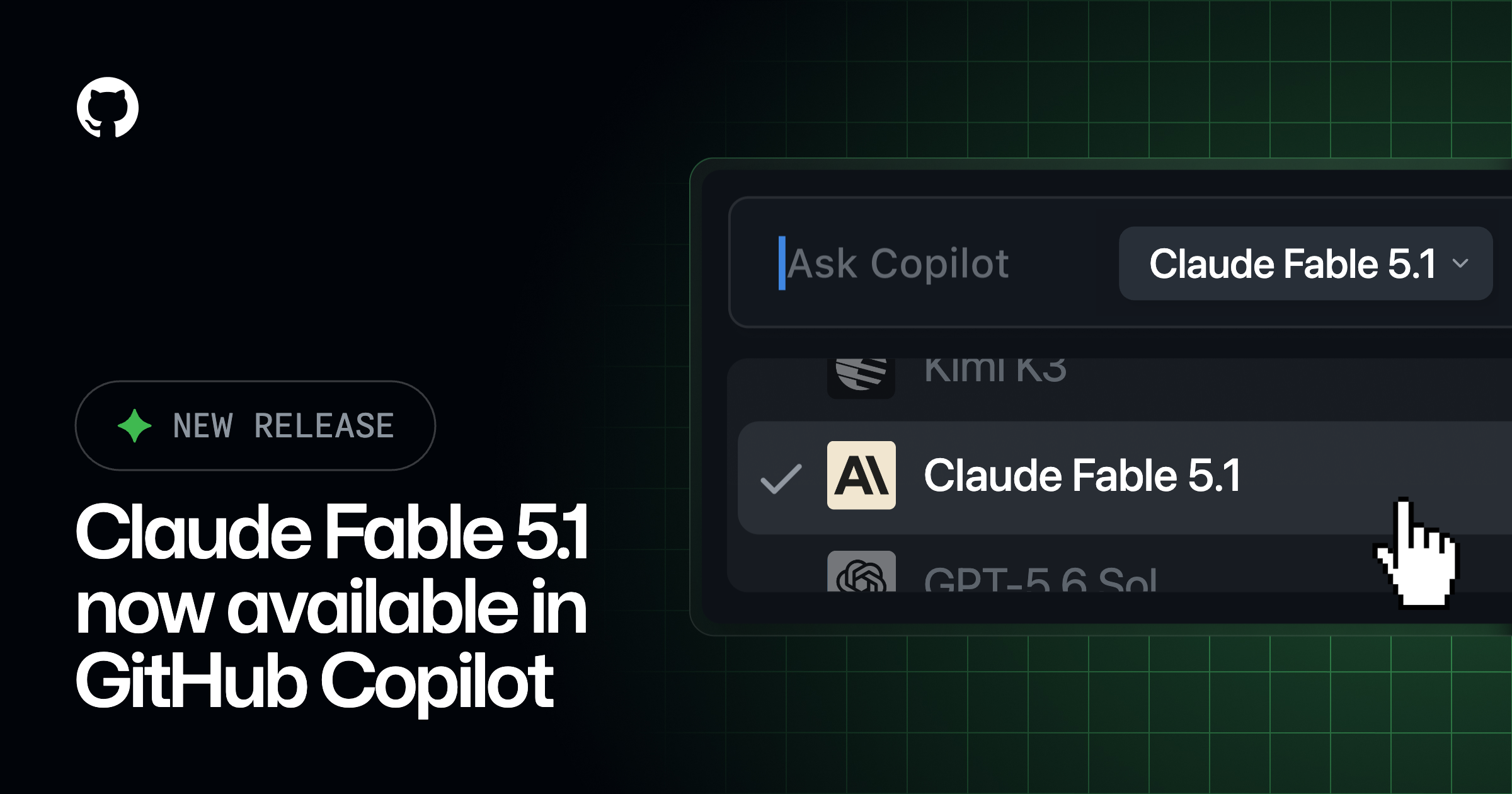
GitHub made Claude Fable 5.1 generally available in GitHub Copilot on September 1. GitHub describes the Anthropic model as designed for long-horizon autonomous coding and knowledge-work tasks, including codebase research, feature development, and complex agent workflows. Those performance descriptions come from GitHub’s internal testing, not independent benchmarks.
The model is rolling out to Copilot Pro+, Max, Business, and Enterprise across supported IDEs, the Copilot CLI, coding agent, GitHub.com, the Copilot app, and mobile. Business and Enterprise administrators must enable its policy, which is off by default. Usage is billed at provider list pricing through GitHub’s AI-credit system.
Who should care: builders working on tasks that require sustained context across research, implementation, tool use, and revision—not just a fast code completion.
Builder test: choose one low-risk feature that normally takes several handoffs. Run it with Fable 5.1 from codebase research through a proposed patch and validation plan. Compare it with your current model on completion rate, unnecessary changes, review time, token cost, and whether it preserves requirements after two feedback rounds.
Important limits: Anthropic requires retention for covered Mythos-class models. Its support documentation says prompts and outputs are retained for 30 days to support safety work, with tightly controlled human review when automated systems flag potential harm. GitHub says retained data is not used to train Anthropic models. Certain eligible enterprises can receive a time-bound zero-data-retention exemption through the end of 2026, but approval and policy enablement are separate steps. Do not send secrets or sensitive client data until your organization has reviewed the applicable retention setup.
Read GitHub’s announcement · Review Anthropic’s retention practices · Review GitHub model pricing
2. Google ADK adds native live voice-agent evaluation
Google’s Agent Development Kit now supports native live evaluation for voice agents. Builders can run a simulated user that speaks test turns as audio, score the agent’s spoken replies, and use the same evaluation loop for text and live modes.
Test cases can use fixed conversations or dynamic scenarios with a user persona and a maximum-turn cap. Configuration separates the model controlling the simulated user from the audio model that synthesizes speech. Builders can vary voice and language settings, set pass/fail thresholds, score complete trajectories or individual turns and tool calls, and inspect transcripts with playable audio in ADK Web. Google also says the evaluation pipeline can run programmatically in CI/CD.
Who should care: teams building voice support, booking, education, sales, or multi-agent experiences where timing, interruptions, tool calls, and context recovery matter.
Builder test: create five scenarios for one voice workflow: a normal completion, missing information, an interruption, a failed tool call, and a user correction. Run each in text and live modes. Compare task completion, incorrect actions, recovery quality, turn count, latency, and whether different voices or accents change the result.
Important limits: simulated speech is not a substitute for real-user testing. Prompt-driven personas and LLM-based judges can introduce their own bias, and a maximum-turn cap only stops runaway tests—it does not prove the conversation is good. The announcement does not specify separate feature pricing; model and synthesized-audio usage should be measured against the current services and quotas used by the test.
Read Google’s ADK live evaluation guide
3. Cloudflare gives bot operators a visible BotBase workflow
Cloudflare launched BotBase for Operators on August 28 to make bot registration less opaque. Operators can browse the directory, submit a bot, track submission history, filter for bots submitted under their account, and see a status instead of sending a form into a black box.
The intake asks operators to describe what the bot does, how it uses content, and who runs it. Cloudflare says submissions now pass automated checks for duplicates, specific user-agent patterns, and claimed verification methods. Those checks can fetch an IP list, confirm reverse DNS, or validate a Web Bot Auth signature. Clear submissions can be tracked quickly; exceptions are routed for human review with a reason attached.
Who should care: builders operating crawlers, search tools, AI agents, monitoring bots, or platforms that need websites to recognize and evaluate their traffic accurately.
Builder test: document one non-production bot’s behavior, content use, operator role, user agent, and verification method. Submit it through BotBase, then record time to resolution, verification failures, clarity of status messages, and any mismatch between the declaration and the bot’s actual network behavior.
Important limits: this release focuses on submission visibility. Cloudflare lists ownership, observability, live-entry management, and operator-to-site conversation as future goals rather than current capabilities. Registration also does not override a website owner’s robots.txt, content signals, or access policy. A bot still needs honest declarations, stable identity, and polite crawling behavior.
Read Cloudflare’s BotBase for Operators announcement
The ZetsuEDU takeaway
These releases improve three different checkpoints in an agent build:
- Choose: test whether a long-horizon model actually reduces handoffs and review work.
- Prove: evaluate live voice behavior across repeatable scenarios instead of trusting a demo.
- Identify: give web-facing bots a verifiable description of who they are and how they use content.
Use the Create → Build → Monetize path as a decision filter:
- Decide one real workflow and its success criteria.
- Set up a low-risk test with no secrets or sensitive data.
- Connect only the models, tools, audio services, and web permissions required.
- Execute a complete task, including failures and corrections.
- Compare quality, time, cost, privacy, review effort, and operational clarity.
- Choose whether the release makes the workflow easier to repeat, explain, and eventually monetize.
Availability, pricing, policies, quotas, and retention rules can change. Check the linked official sources before production or purchasing decisions.
